
When a clinical spreadsheet needs to become a shared system
Published
Signs that a team’s spreadsheet has outgrown itself, and four things to settle before it becomes a shared system: access, validation, reporting and ownership.
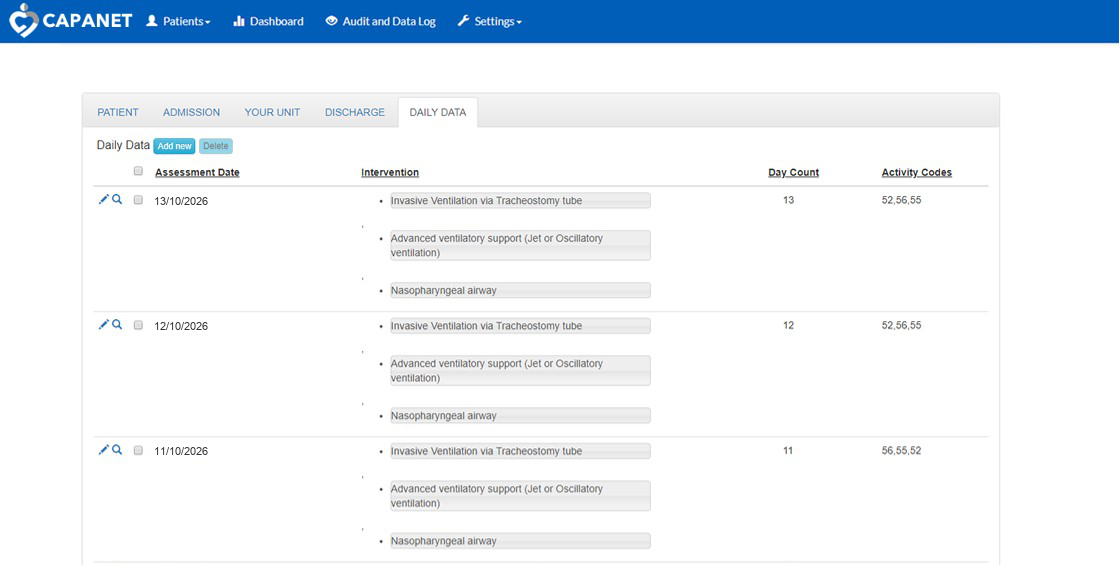
Many clinical services run on a spreadsheet someone built because nothing else did the job. That is often a sensible start. Its columns, tabs and formulas already show what the team records and what it needs back. This guide is for the point where it starts to strain.
Signs it has outgrown the spreadsheet
- Only one person can safely edit it at a time, or copies are passed around by email.
- Nobody is quite sure which version is current.
- The same reports are rebuilt by hand each month.
- Mistakes are found late: a date in the wrong format, a code typed two ways, a blank where a value was needed.
- One person understands the formulas, and the work stalls when they are away.
- It holds information that needs more protection than a shared drive gives it.
None of these means the spreadsheet was a mistake. They mean the work has grown, and the tool now needs to be shared, checked and looked after properly.
1. Shared access
Start with people, not screens. List who needs to see the information, who needs to change it and where they will be when they do: on a ward computer, on a tablet, or at home on call.
From that list, decide which roles the system needs and what each can do. Each person signs in as themselves, so changes can be traced to the person who made them. Think about hosting early as well. Some systems need to run on the NHS Health and Social Care Network; CAPANET and LTV Tracker, both built by us, run there.
2. Validation
A spreadsheet accepts almost anything. A shared system should check information as it is entered, while the person who knows the answer is still there to correct it.
- Make required fields required.
- Use lists for answers that come from a fixed set, so the same thing is always written the same way.
- Check dates and numbers against sensible ranges.
- Use coded lookups where a standard exists. CAPANET, for example, codes diagnoses with a built-in ICD-10 search.
- Make routine entry quick. In CAPANET, the previous day’s interventions can be copied forward in one click.
3. Reporting
Work backwards from what the spreadsheet produces today. List every report, return and extract it feeds, who receives each one and how often.
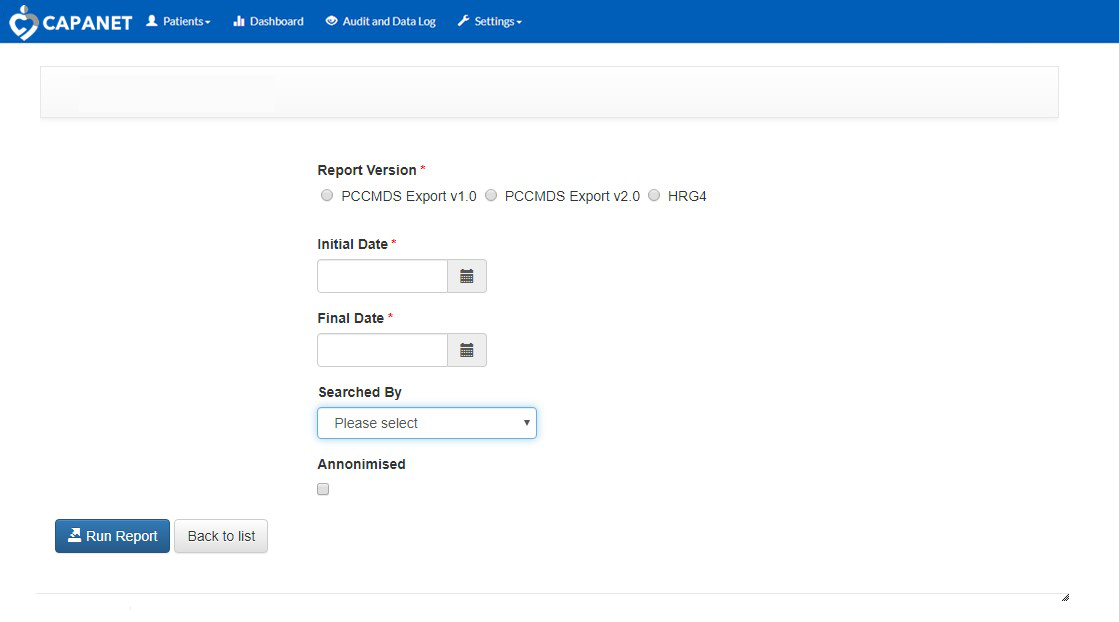
The aim is to record each piece of information once and use it many times. In CAPANET, data entered once is used both for national returns and for day-to-day capacity planning across the region. Where information leaves the system, decide whether it needs to be anonymised first.
4. Ownership
A shared system needs owners, and it is better to name them before anything is built.
- The software. Who owns it, where it is hosted and what happens if the team or supplier changes.
- The data. Who is responsible for it, how long it is kept and who can see it.
- Assurance. Depending on what the system does, your organisation may need a data protection impact assessment and evidence against the Digital Technology Assessment Criteria (DTAC), including clinical safety.
- Change. How people ask for improvements once it is in use, and who decides what happens next.
The NHS platforms on this site are owned and operated by the organisations that commissioned them. On a new project we settle these questions at the start.
Start with what you have
You do not need a finished specification. The spreadsheet itself, with test data in place of real records, and a short description of who uses it and what goes wrong are a good first step. If you are preparing for DTAC, our free DTAC Evidence Planner can help you see what evidence you will need.